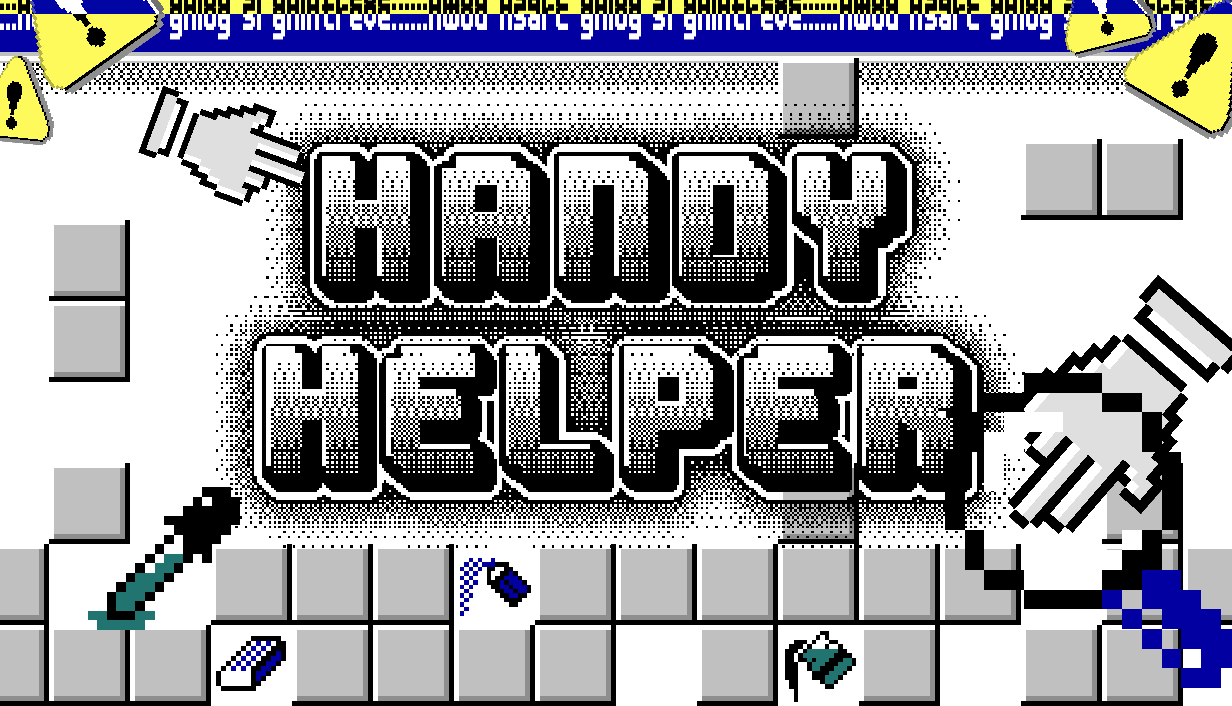
Handy Helper is a 2D pixel match-3 game where players control a little hand that can shoot and float. Set in a collapsing version of Windows Paint, the goal is to clear color blocks, find tools, and dig for memories. It combines the satisfaction of match-3 puzzles with shooter mechanics.
Project Type
2D Pixel Shoot Match-3 PC Game (Developed in Unity)
Timeline
2025.7-2025.10 (4 months)
My Role
Independent Developer
(Design, Art, Programming)
Skill & Tools
Unity 2D, C#, Vibe Coding, Aseprite
01 Intentions
My inspiration came from two sources: the satisfaction of match-3 games and nostalgia for the 2000s internet vibe. The main design challenge was combining the fun of floating with match-3 mechanics. In traditional match-3 games, the player is usually an observer. In Handy Helper, I wanted players to feel like a character inside the blocks, shuttling through them, shooting to jump, and creating chains of elimination.
02 Process
I developed the game through three major iterations to solve specific problems:
1. From “Jet” to “Shoot to Jump”
Initially, I separated shooting and moving (using a jetpack). This felt busy and disconnected. I simplified the controls so that “shooting” also pushes the player backward. This unified the action: every shot is both an attack and a movement.
2. From “Survival” to “Digging”
In early versions, blocks grew upward like Tetris, and the player just had to survive. This made floating feel pointless because the space was fixed. I changed the goal to Digging and removed the piling up gravity rule. Blocks now stay suspended in the air unless a block of the same color is underneath, similar to Zuma logic. This created threats from above and below, giving players a reason to shuttle through the blocks and expand the game view downward.
3. Thematic Mechanics
I wanted the mechanics to fit the 2000s art style. I designed power-ups based on classic Windows Paint tools. For example, the Paint Bucket dyes rows of blocks, and the Eraser clears specific areas. This made the mechanics intuitive and nostalgic.
03 Contributions
As an Independent Developer, I handled all aspects of the project. I used Vibe Coding to assist with C# programming in Unity and created all pixel art assets in Aseprite. Sound effects came from Epidemic Sound and aigei.com, and music was from YouTube (Mii Editor - Mii Maker (Wii U) Music - YouTube).
04 What I Learned
1. Embrace Pivot
I learned not to let sunk costs influence decisions. It is OK to change core features, like the gravity rules, if the current version isn’t fun.
2. Feedback is Everything
Good game feel needs feedback in every interaction. Adjusting small details, like the pitch of sound effects rising with combos or the recoil when shooting, improved the experience.
3. Leveraging AI
The illusion of AI’s omniscience can push you out of your comfort zone. I learned to specify my requirements to AI tools to implement complex logic efficiently.